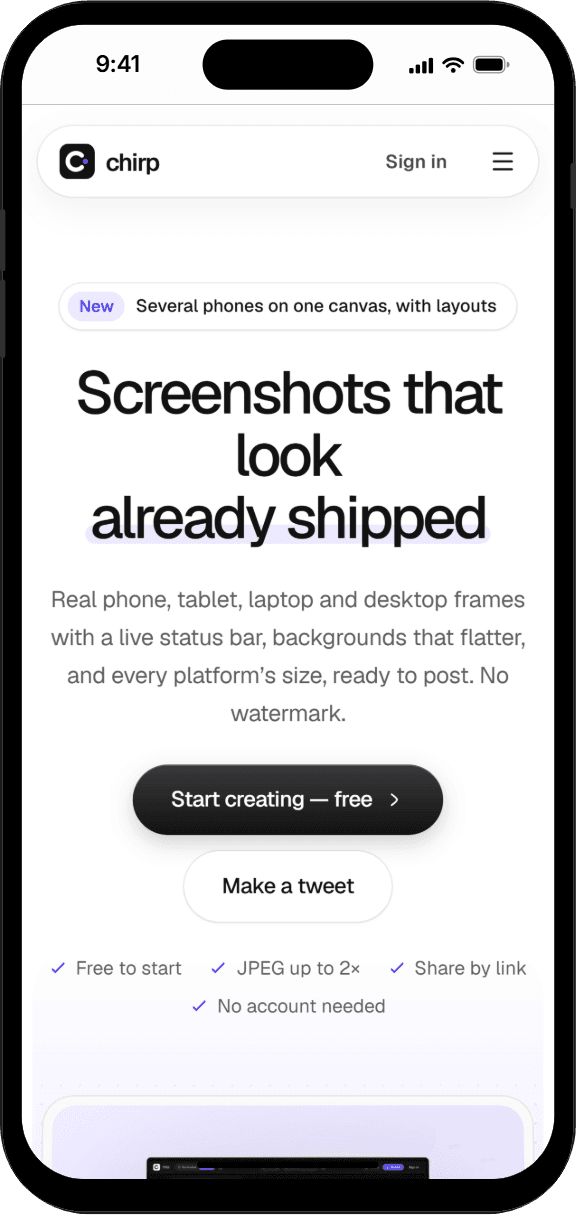
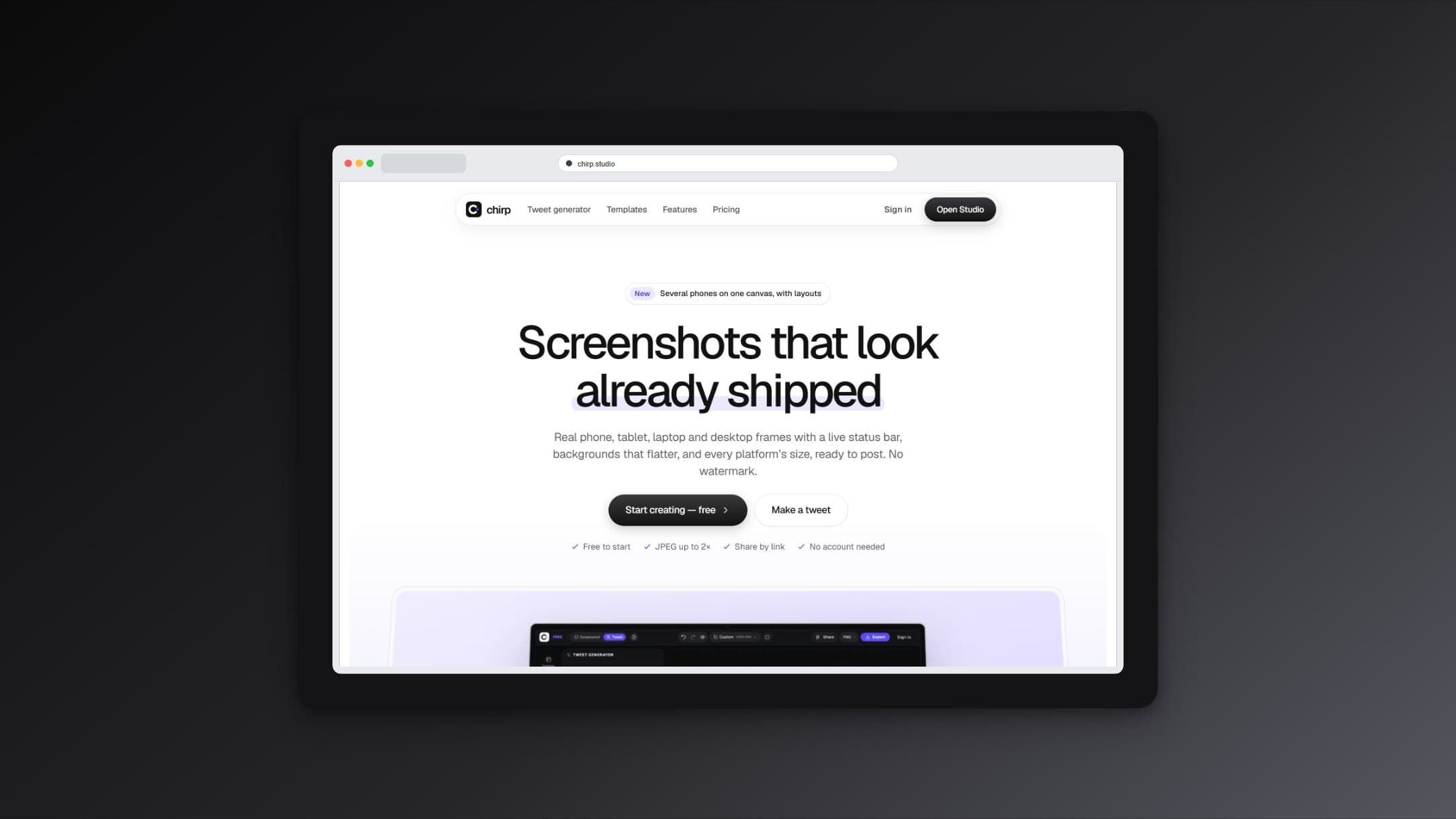
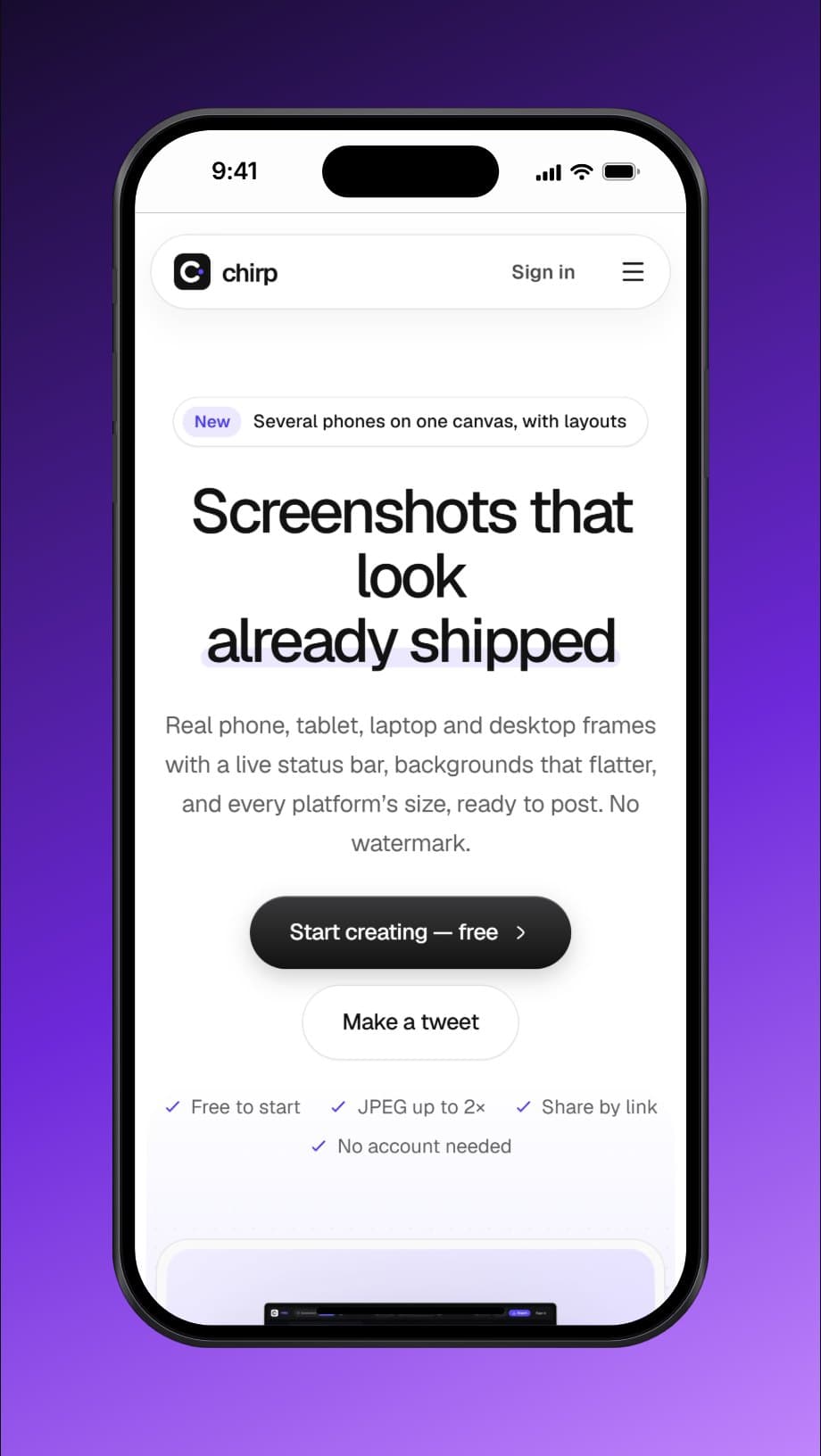
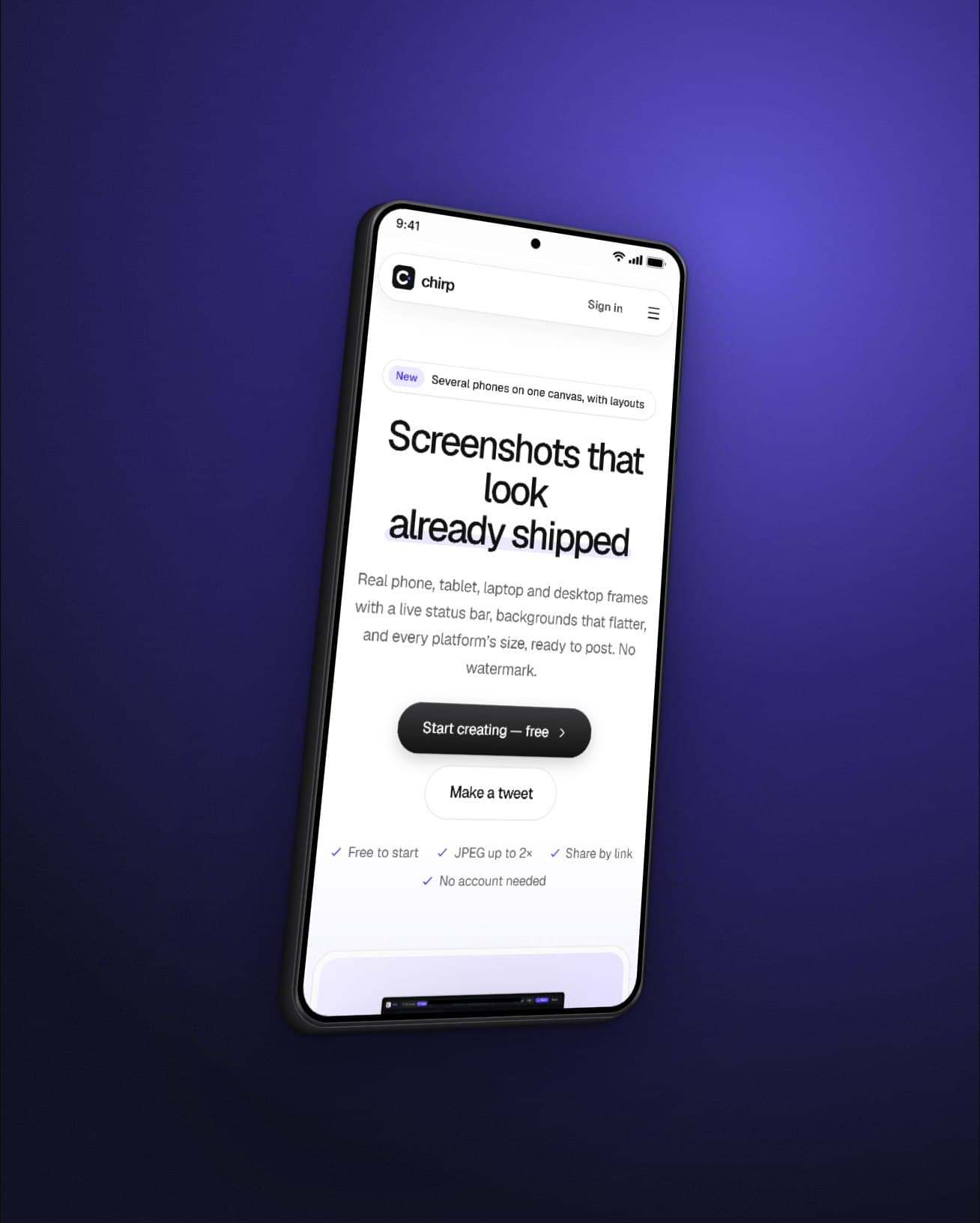
Screenshots that look already shipped
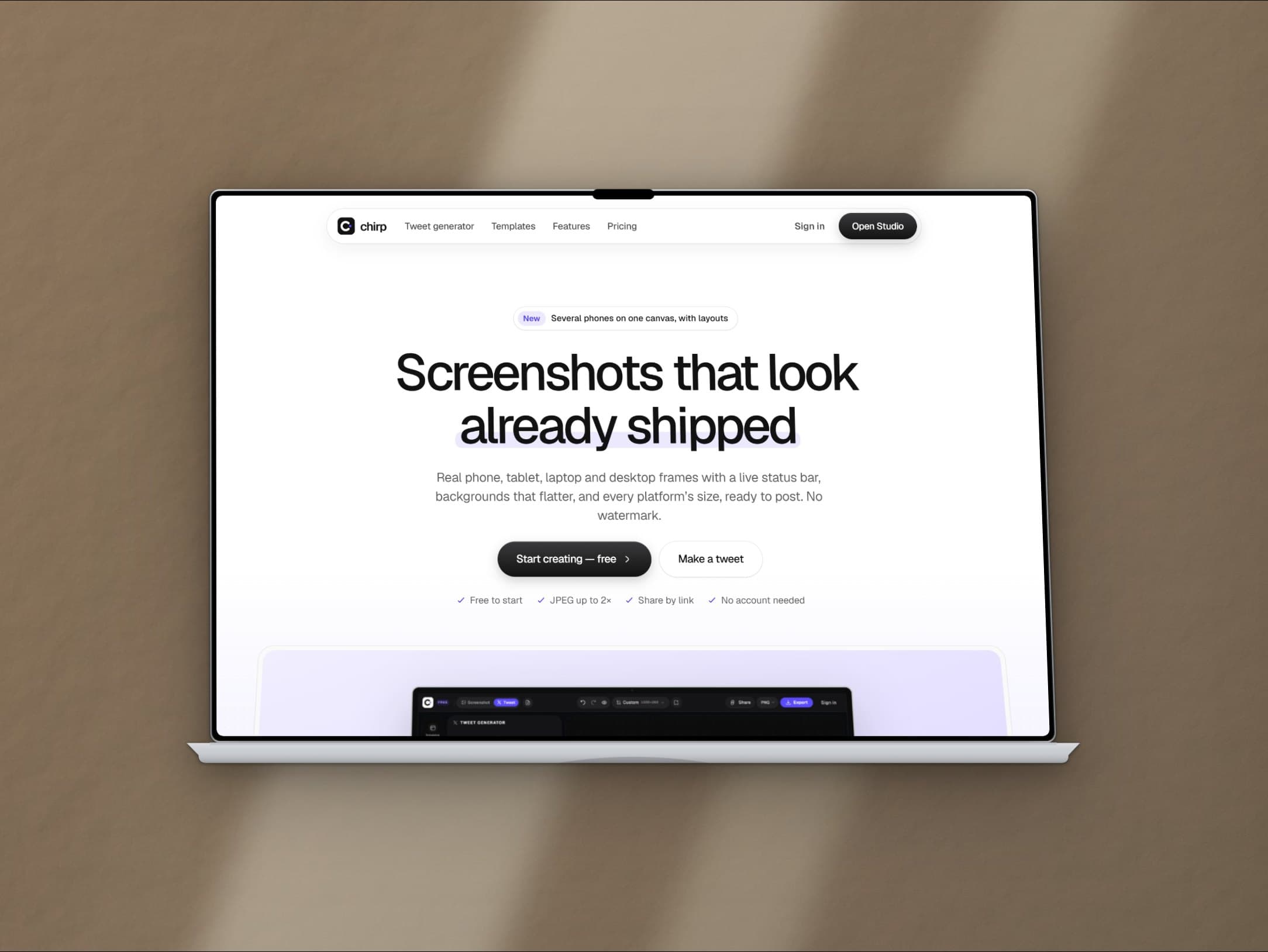
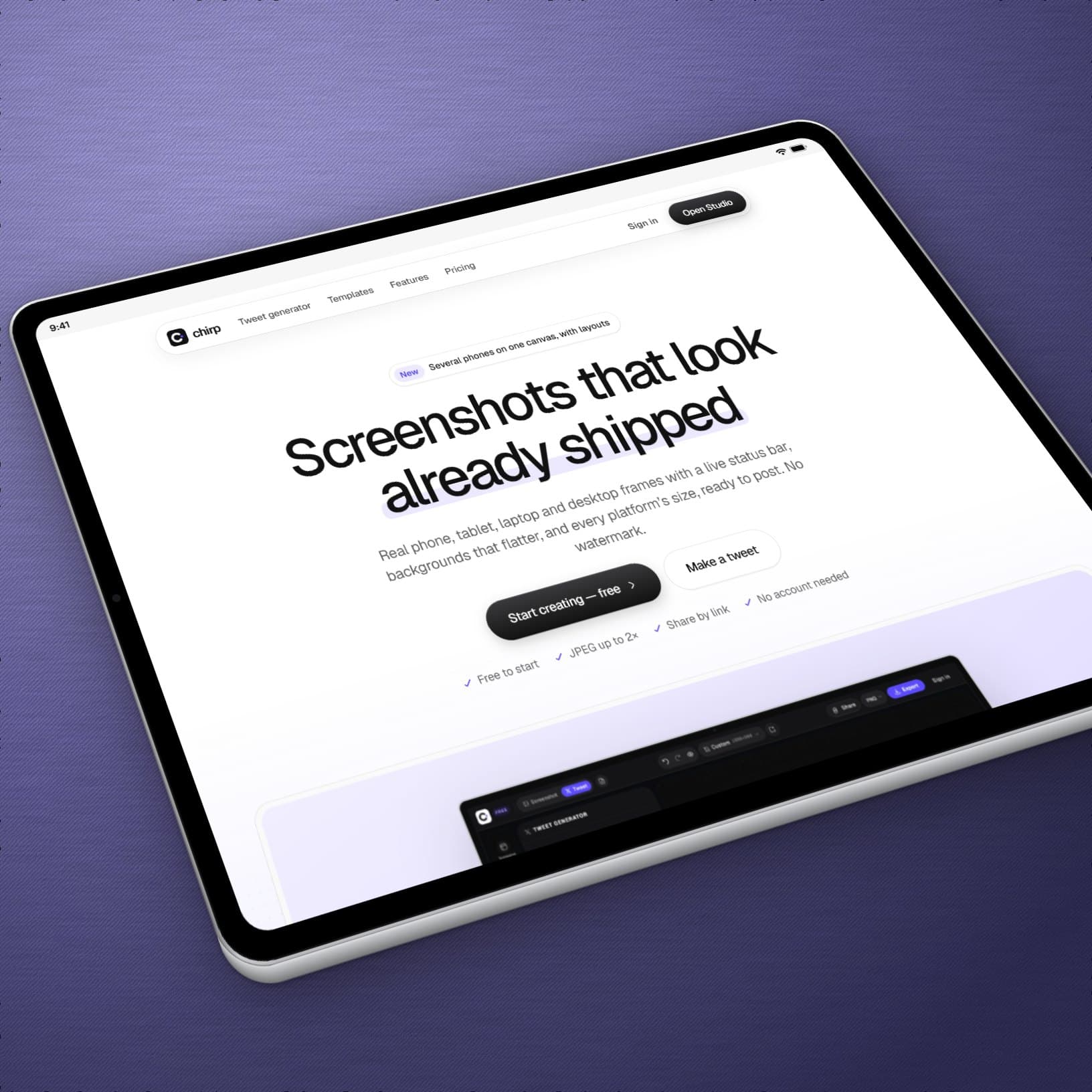
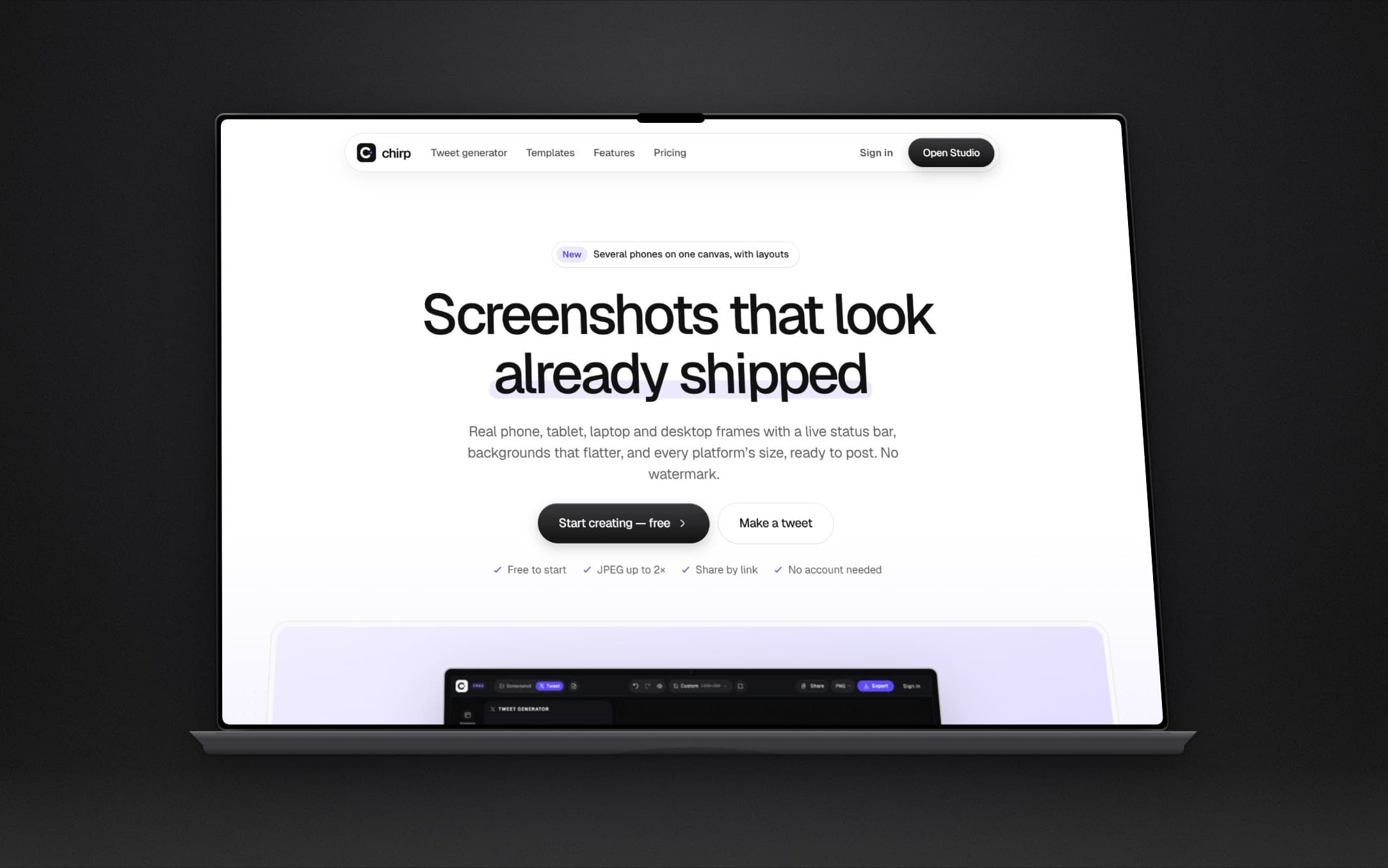
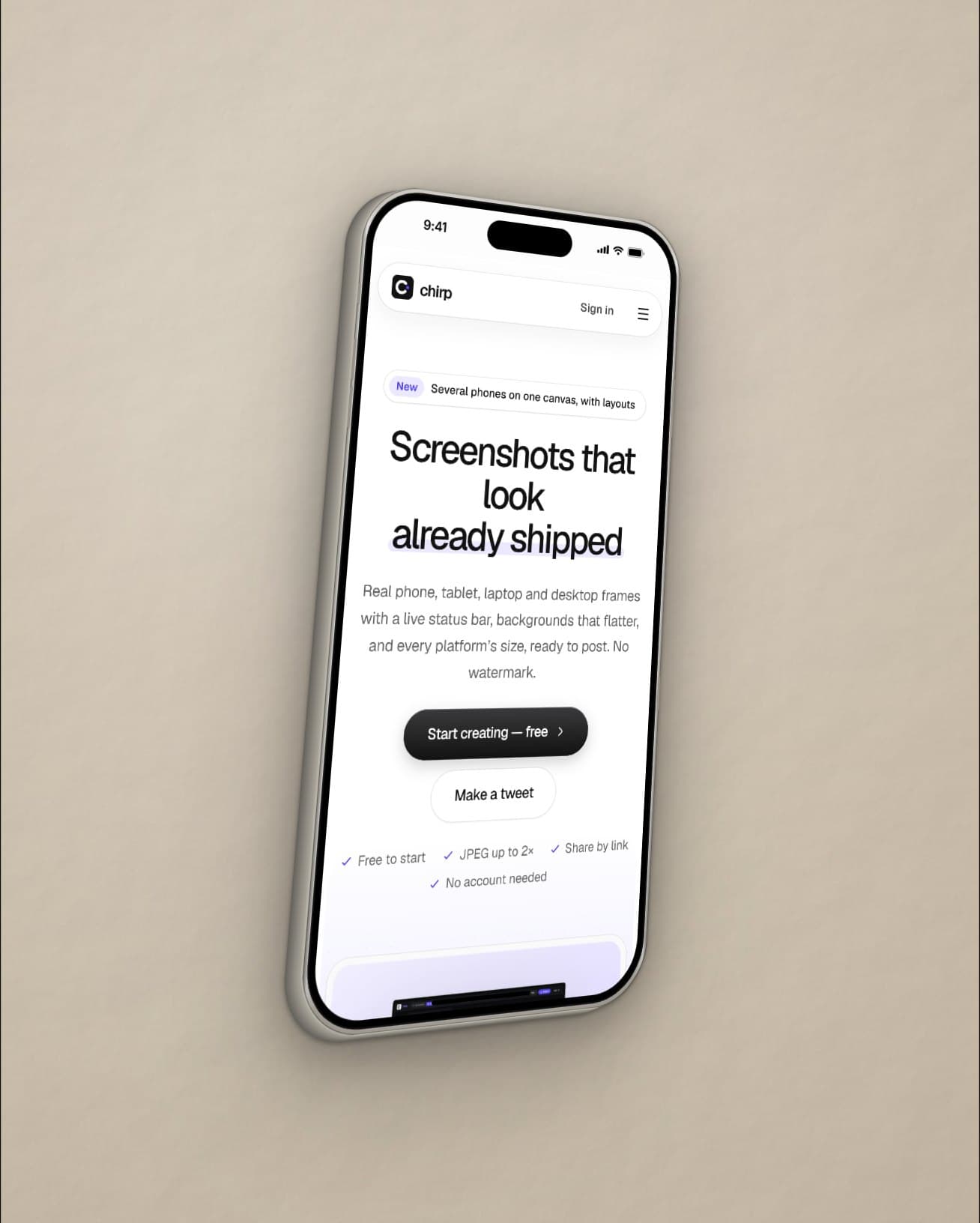
Real phone, tablet, laptop and desktop frames with a live status bar, backgrounds that flatter, and every platform’s size, ready to post. No watermark.
- Free to start
- PNG, JPEG up to 2×
- Share by link
- No account needed
From screenshot to post in a minute
- 01
Drop or paste
Paste a screenshot, drop a file, or write a tweet. No install, no account.
- 02
Frame and arrange
Put it in a device, add more, and pick a layout — or drag things anywhere.
- 03
Export at any size
Pick the platform's size and download a PNG, JPEG or WebP, or copy it.
Everything a screenshot needs to look finished
Devices that look switched on
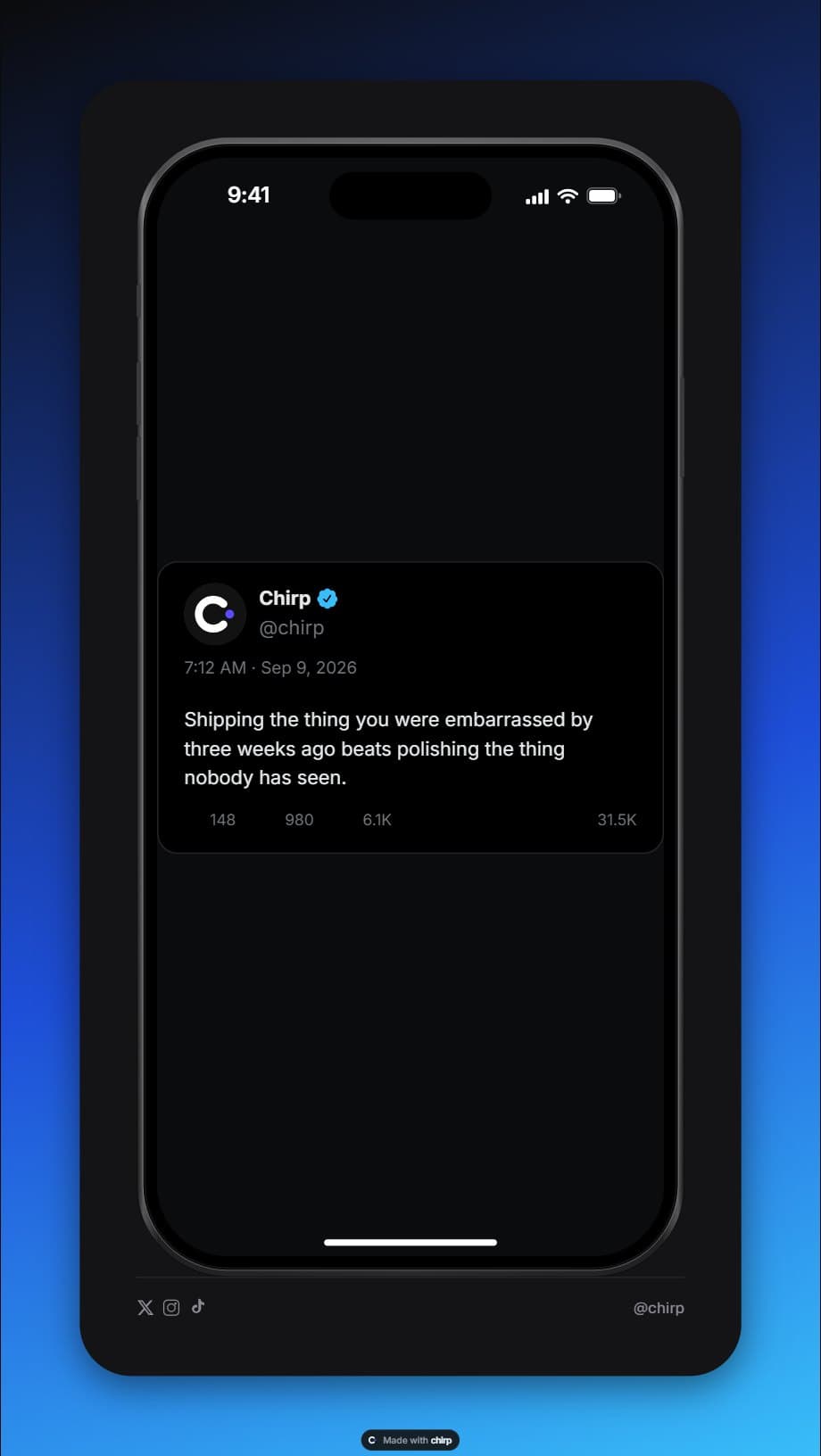
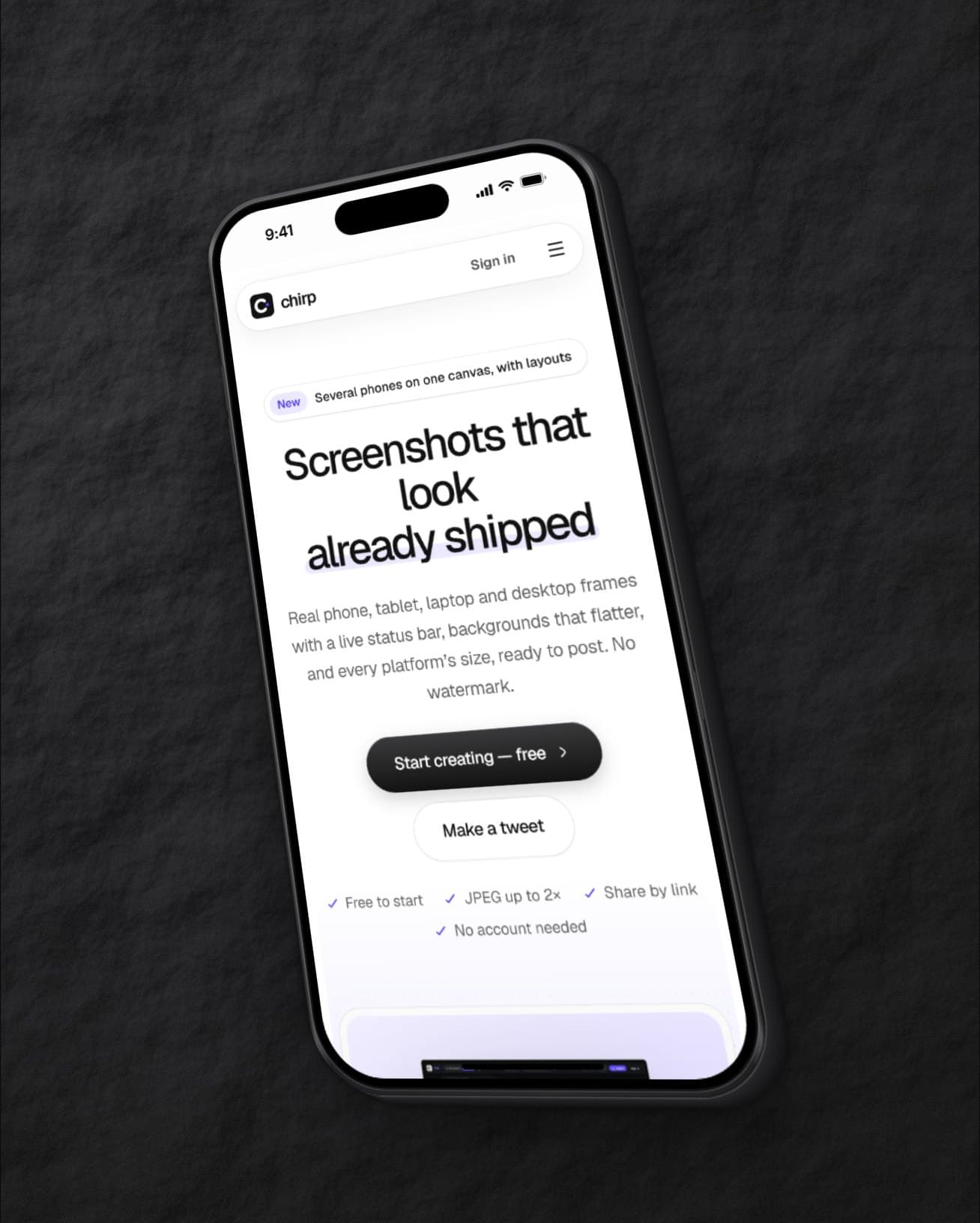
iPhone, Android, iPad, MacBook, display and browser frames, with a status bar that matches your screenshot.
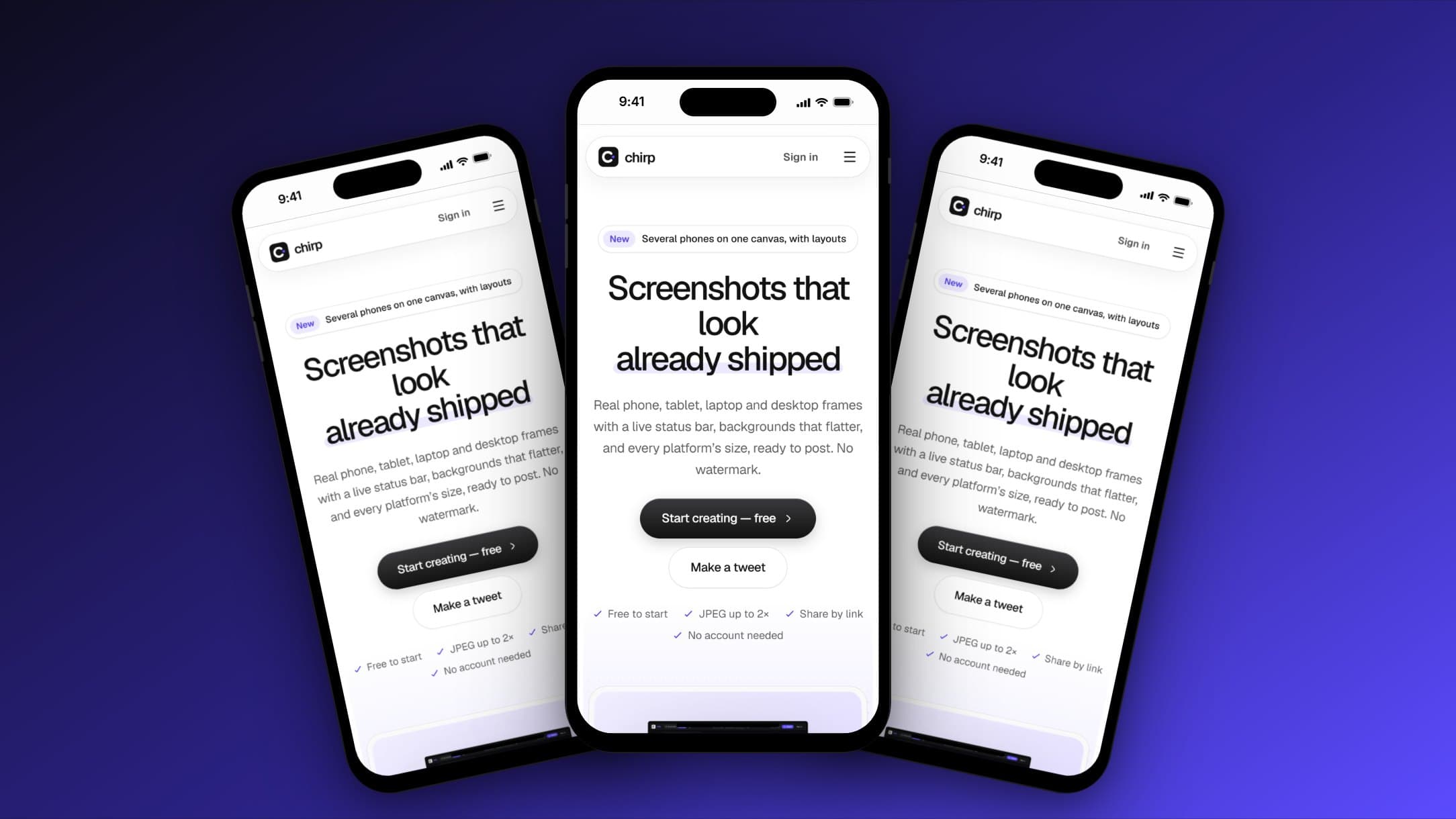
Free layout
Several devices, images and headlines on one canvas. Drag them anywhere, or pick one of 10 layouts.
- Instagram1080×1080
- X / Twitter2400×1350
- Bluesky2400×1400
- LinkedIn1080×1080
- Facebook1200×1200
- YouTube1280×720
Every platform size
Pick the format from the size menu, or save your own.
Backgrounds
57 gradients, patterns, solid colours or your own image.
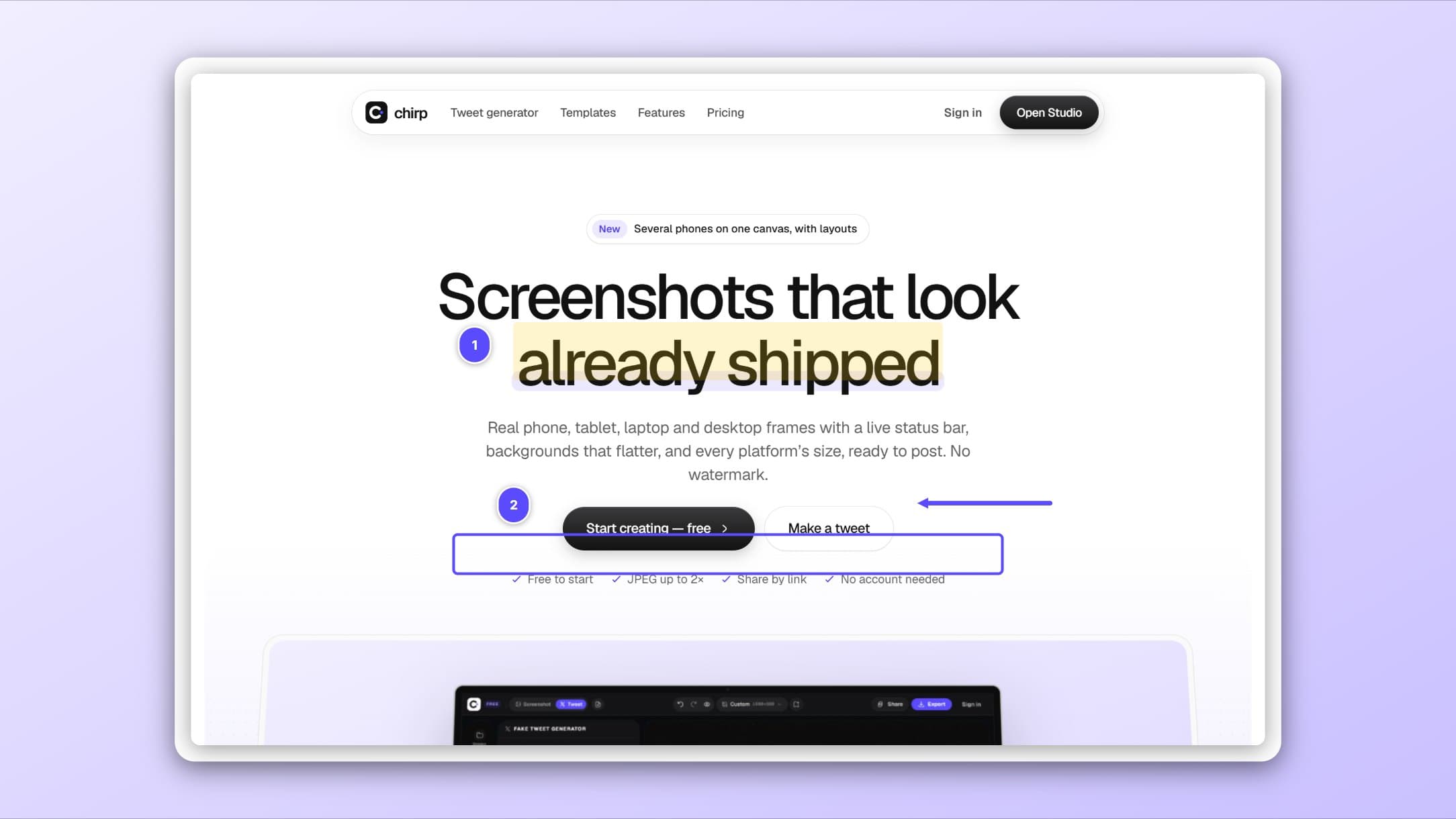
Annotate
Arrows, numbered steps, highlights, and blur for anything private.
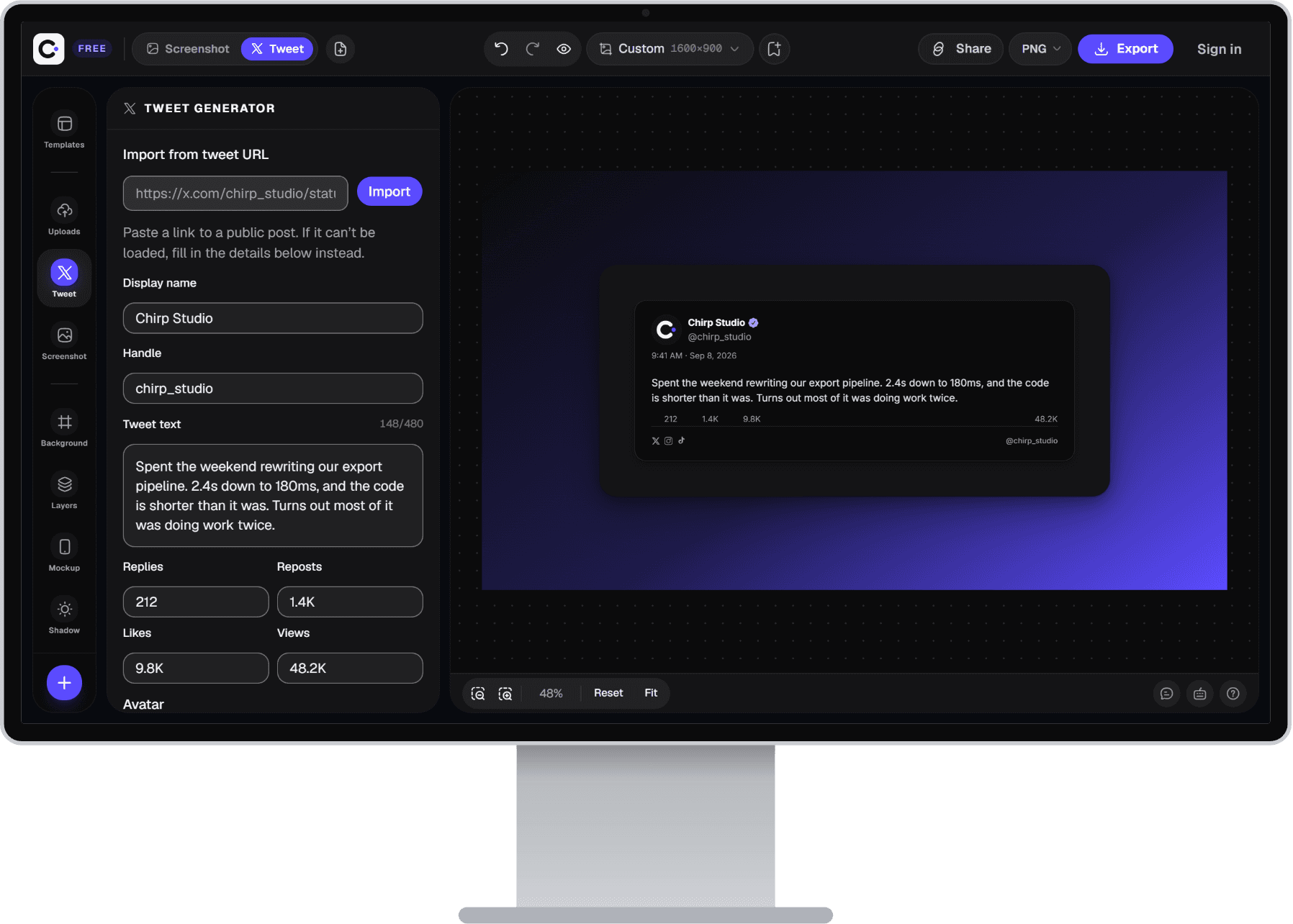
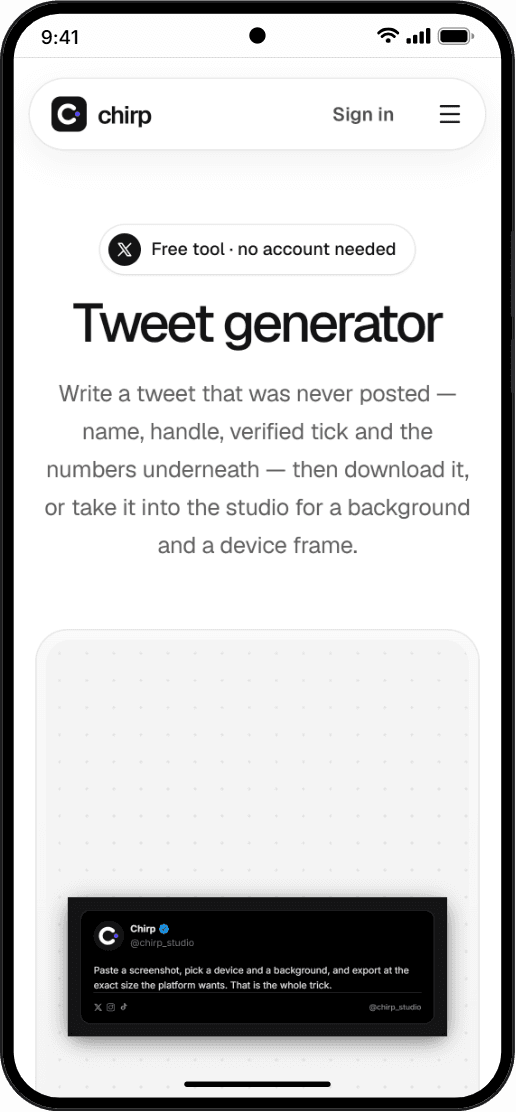
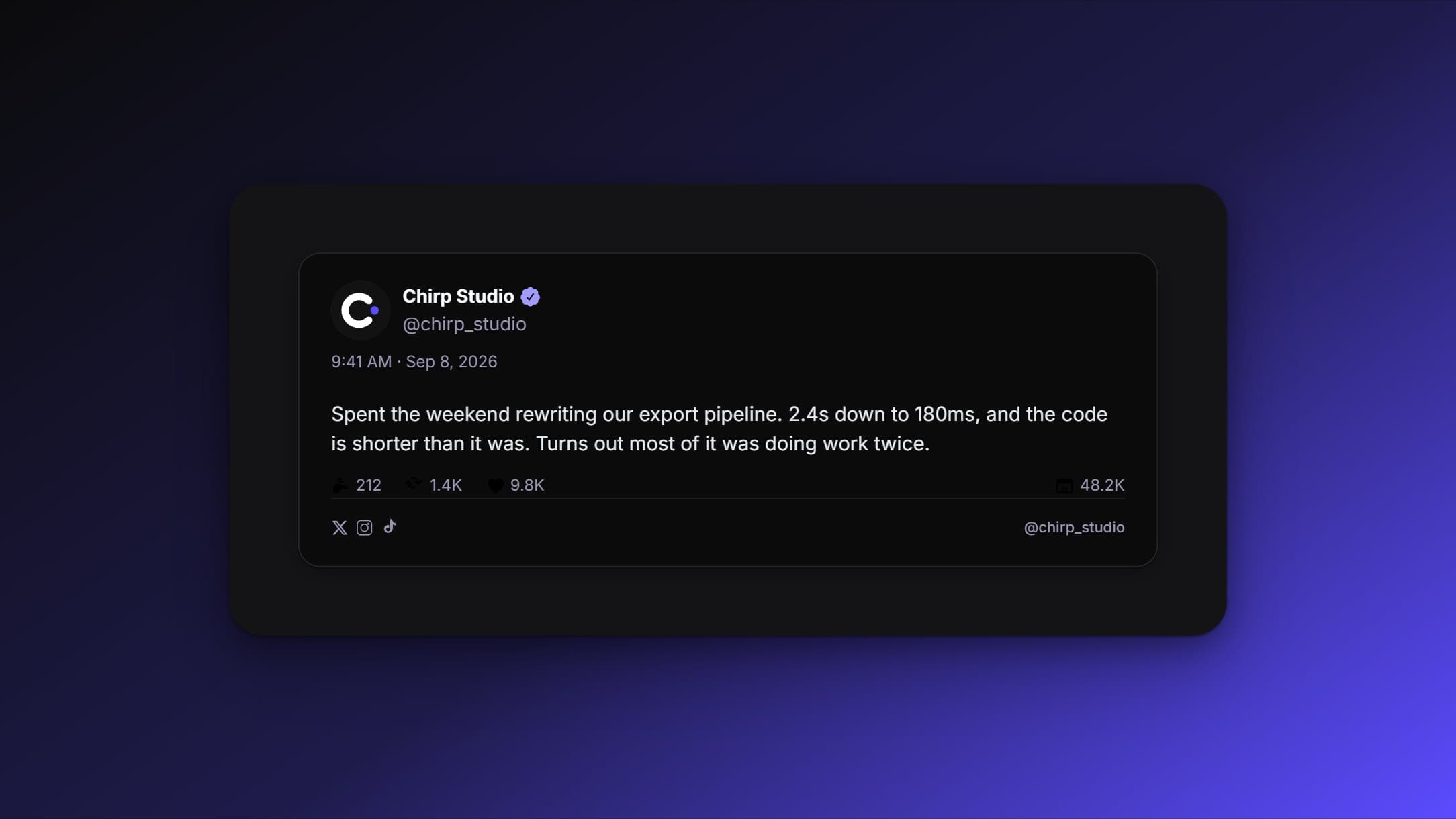
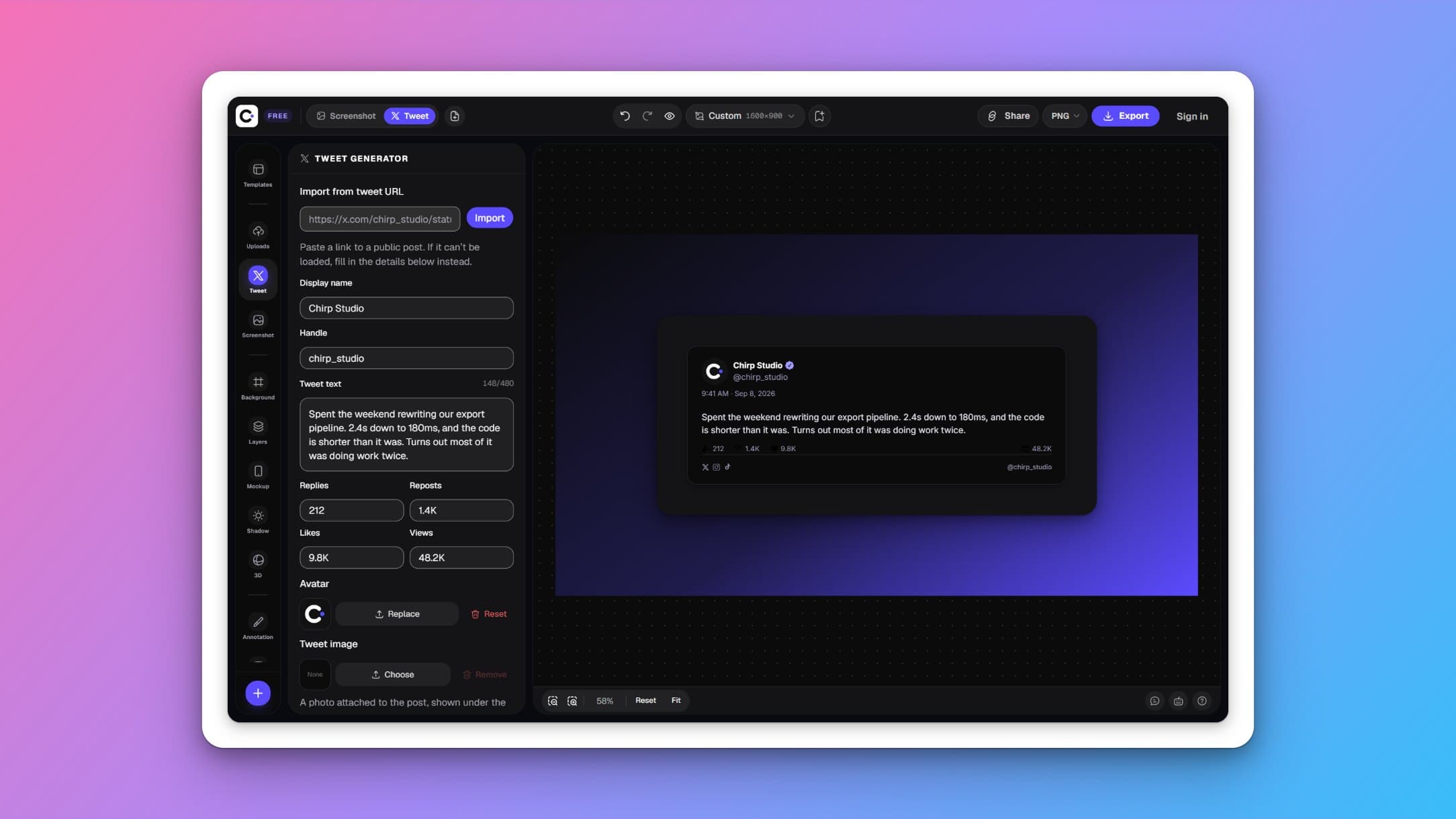
Tweet generator
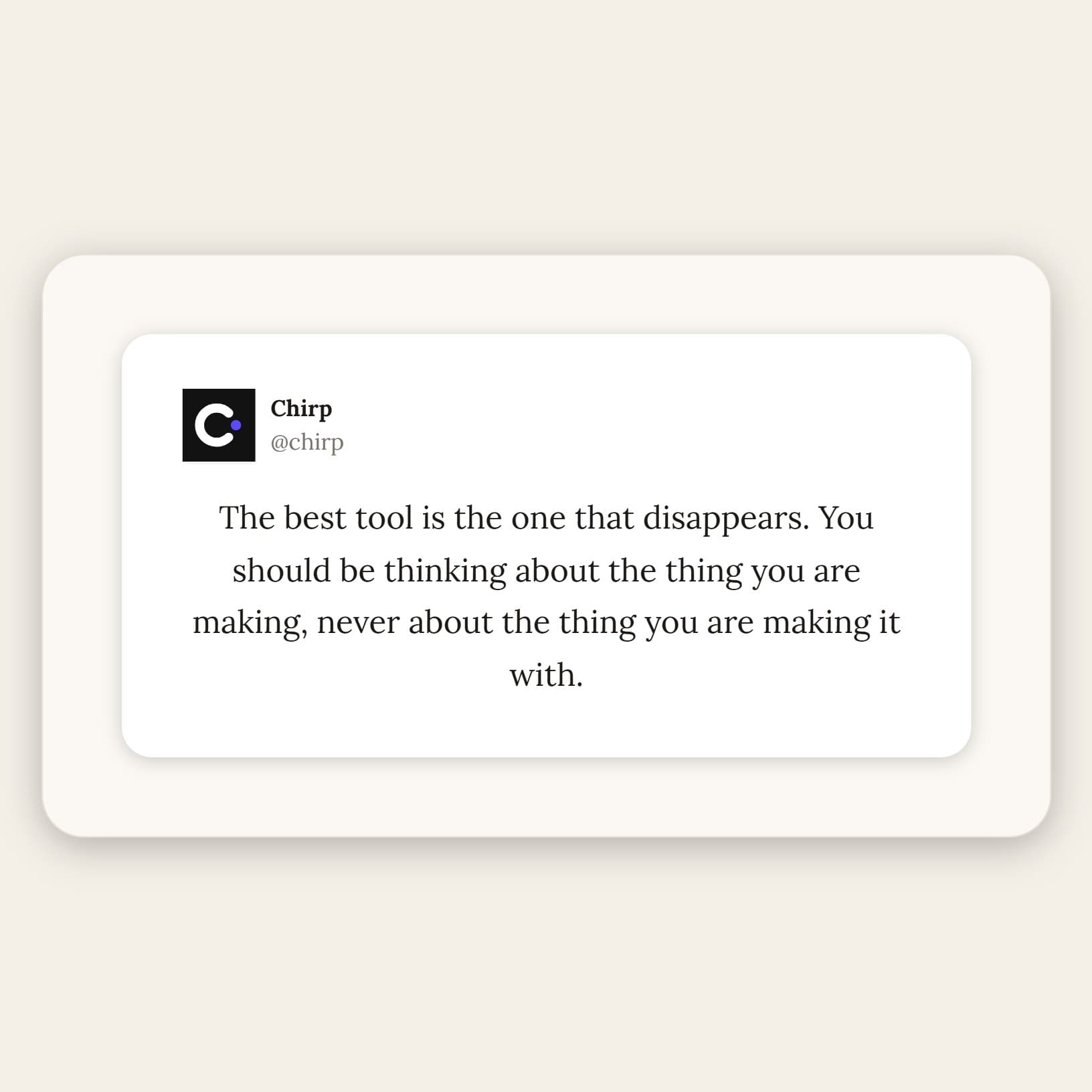
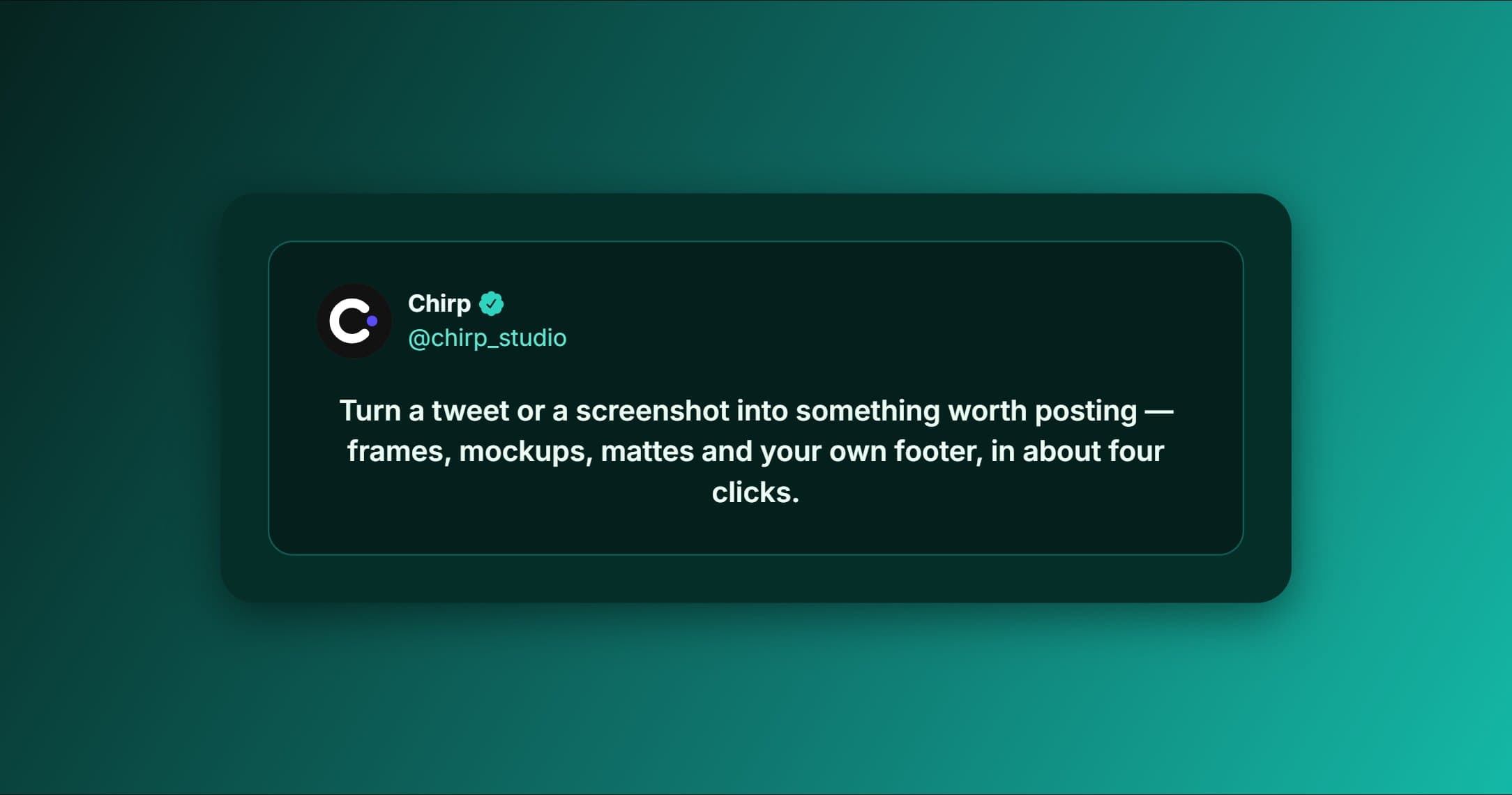
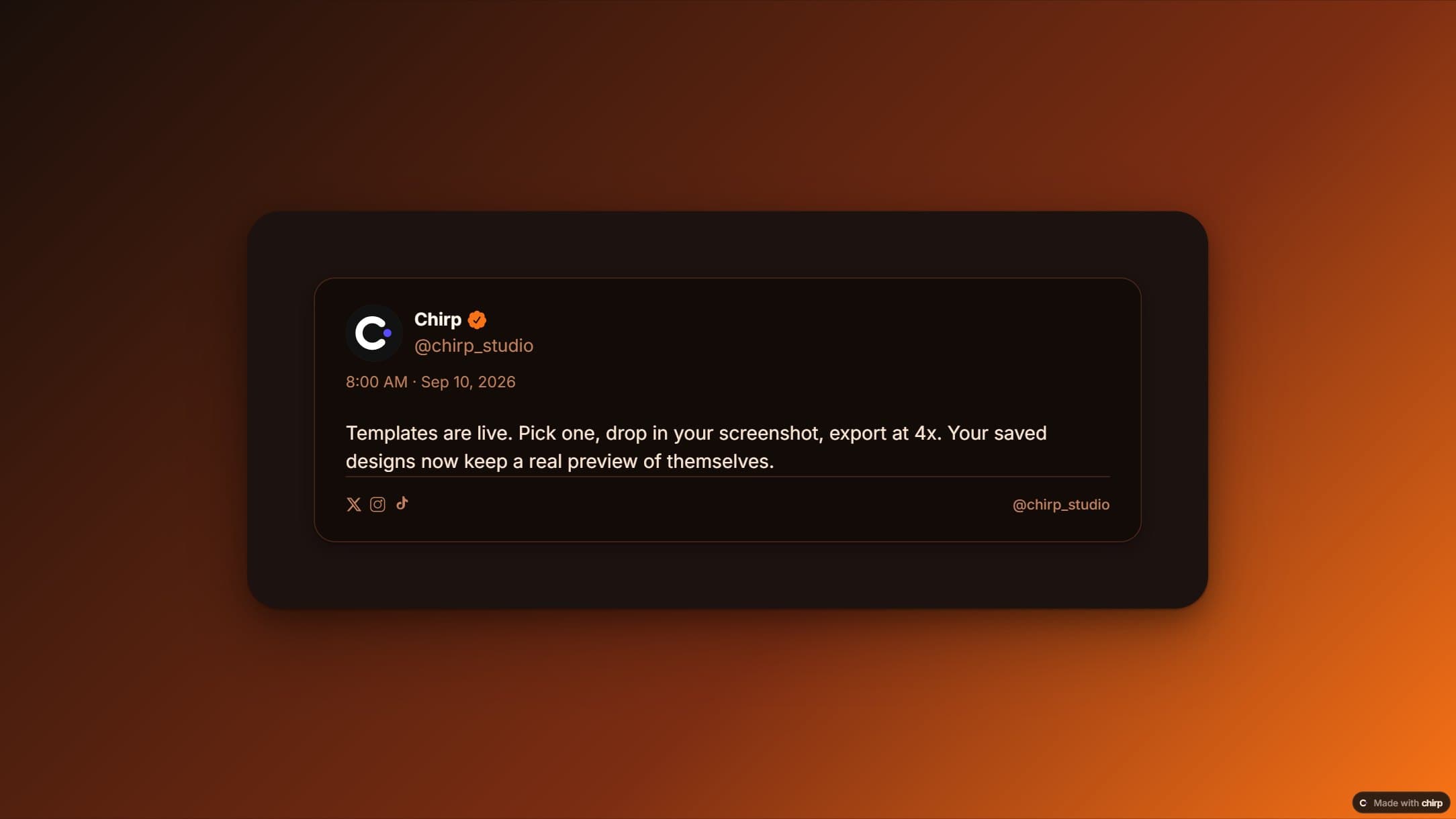
A realistic tweet card, for mock-ups and memes.
Start from something good
Questions, answered
What is Chirp?
An editor that turns screenshots and tweets into polished images: device mockups, backgrounds, layouts, annotations and exact platform sizes, all in your browser.
Is it free?
The studio is free and needs no account. Pro adds the extras marked Pro in the editor; everything else stays free.
Where does my work go?
It stays in this browser until you sign in. Signed in, your templates, brand kits and uploads sync to your account so they follow you to other devices.
What image sizes can I export?
Any width and height up to 4,000 px a side, exported at up to 2× on the free plan. The size menu has every common platform format ready to pick.
Can I make a tweet from scratch?
Yes — the tweet generator builds a realistic card with a name, handle, verified badge, counts and link preview. Use it responsibly: label mock-ups as mock-ups.
Make the next screenshot the good one
Open the studio, paste an image, pick a layout. It takes about as long as reading this.